No account needed to start
Your next creative idea starts here.
Turn an image into a prompt, polish a rough idea, and write captions, alt text and keywords — simple AI tools for your everyday creativity.
Free daily credits, clearly shown before you run anything.
Interactive example · sample output
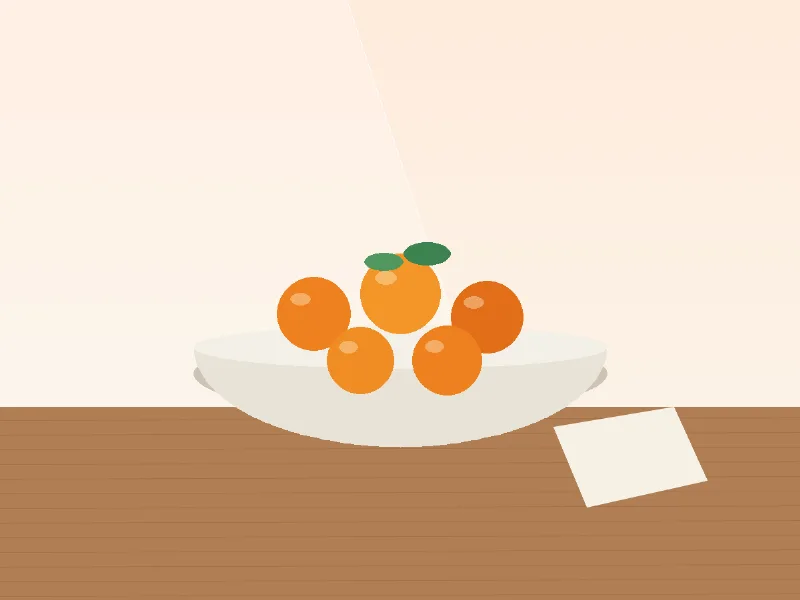
Sample output (not generated live)
Want a result for your own image? Open the tool.
Six practical tools
Each tool does one job well. Upload an image or paste text, and copy or download what you get.
-
Image to prompt
Describe any picture as a reusable prompt.
Image input2 credits
Open image to prompt -
Prompt enhancer
Sharpen a rough idea into a clear prompt.
Text input1 credit
Open prompt enhancer -
Image style analyzer
Understand the look of an image.
Image input2 credits
Open image style analyzer -
Image caption generator
Three caption options for your post.
Image input2 credits
Open image caption generator -
Image alt-text generator
Write helpful alt text in seconds.
Image input2 credits
Open image alt-text generator -
Image keyword generator
Titles and keywords for your image library.
Image input2 credits
Open image keyword generator
How it works
Choose a tool
Pick the job: describe an image, polish a prompt, or write captions and alt text.
Add your input
Drop in an image (JPEG, PNG or WebP) or paste text. Large images are resized in your browser first.
Use your result
Copy each part separately or download it as text or JSON. Edit and regenerate if you want another take.
Built to be simple and honest
- No account to get started
- Open a tool and run it. Your free credits are tied to your browser, not an account.
- Clear daily limits
- You see the cost before you run a tool and your remaining credits afterwards, with the reset time in your own timezone.
- Copy and download
- Copy any single result or download everything as text or JSON, and keywords as a safe CSV.
- Uploads are not kept
- Images are processed transiently and discarded after your request. They are sent to our AI provider to produce the result. Read the privacy page.
Learn the craft
Good prompts, captions and alt text share one habit: they describe what is really there and what the reader needs. A strong image prompt names the subject, the setting, the light and the style. Alt text depends on why the image appears on the page. A caption should sound like you without inventing claims about your product.
Our guides walk through each of these with worked examples, and the tools give you a fast first draft that you can edit.
Generate captions without inventing claims
Write platform-friendly captions that stay truthful: what to give the tool, what never to claim and how to check before posting.
Write better alt text
Decide whether an image is informative, functional or decorative, then write alt text that is short, useful and free of keyword stuffing.
Turn an image into a useful prompt
Learn what an image-to-prompt tool can and can’t do, and how to build a prompt from subject, setting, composition, light and style.
Frequently asked questions
Do I need an account?
No. You can use the tools without signing up. Your free daily credits are linked to your browser.
Is it really free?
There are free daily credits. Each tool shows its credit cost before you run it. Limits can change as the service grows. There is no payment feature at this time.
What happens to my image?
Images are resized and re-encoded in your browser, processed transiently on our server and sent to our AI provider to create your result. We do not keep them. See the privacy page.
Are the results always right?
No. AI can make mistakes, so read and edit results before using them.
Which languages are supported?
The interface is in English. Some tools can write their output in English or French.
Ready to turn an image into words?
Upload a picture and get a reusable prompt in a few seconds.
Try image to prompt